



.png)
ZOOM ON: Colors and their perception
At OA Nail System, we are committed to accurately transcribing each shade, each hue, as precisely as possible. Our graphic team attaches great importance to this mission, so that you can make your choice among our many colors, in all serenity. However, it is possible that the color you see on your screen does not match reality. We explain everything to you!
Why Can a Color Look Different on Your Screen?
At OA Nail System, we are committed to reproducing every shade as accurately as possible. However, depending on the screen you use, the color you see may not exactly match reality. Here is why — and how to view your shades more accurately.
Our Graphic Team places great importance on this mission, so that you can choose from our many shades with confidence and peace of mind.
Not All Screens Display Colors the Same Way
Between a computer, a tablet and a smartphone, there are what we call color variations.
These variations apply to all screens and often result in differences in the way colors are displayed.
In other words: the same shade may appear warmer, cooler, brighter or duller depending on the screen you are using.
Why Does the Color Rendering Change?
The final appearance depends on several factors:
| • | The type of screen you use |
| • | The brand and quality of the device |
| • | The generation of the screen |
| • | The brightness settings applied to the screen |
As a result, the colors displayed in front of you may not perfectly reflect the real shade.
How OA Nail System Photographs Its Colors
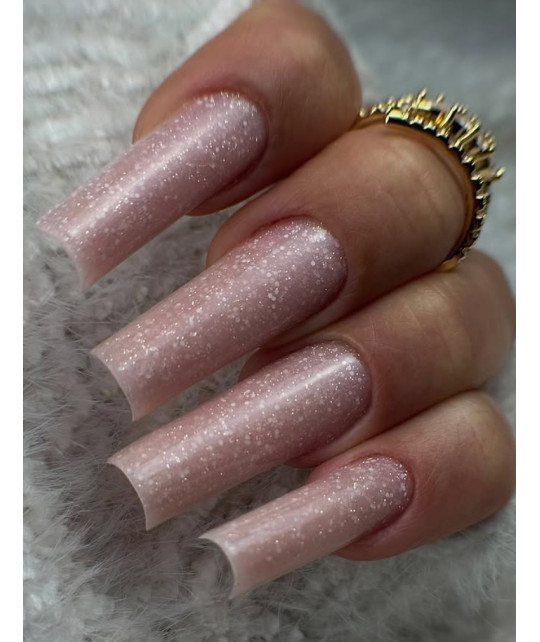
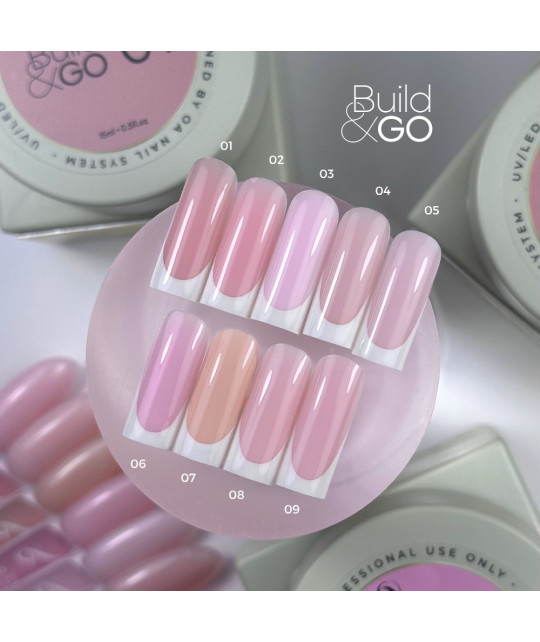
This is why each of our shades is photographed under white light, using a latest-generation smartphone.
Our goal is simple: to allow you to visualize every shade as accurately as possible.
We carefully check and calibrate each color until we achieve the most accurate shade possible.
Our Recommendations for Viewing Your Colors
To view our shades under the best possible conditions, we recommend:
| ✔ | Opening your shades from your workstation or desktop screen |
| ✔ | Using a space lit with neutral white light |
| ✔ | Checking that your screen brightness is properly adjusted |
Watch Out for “Night Shift” Mode
Please note that Night Shift, which is a blue light reduction filter, can activate without you noticing it.
This mode gives your screen a yellowish tint and may distort the color rendering on our website.
We recommend disabling this mode in your display settings when viewing our shades.
Accurate Colors Also Depend on Your Screen
At OA Nail System, we do everything possible to reproduce every shade as faithfully as possible.
However, the most accurate rendering also depends on your screen, its brightness and its display settings.
Comments
No comment at this time!
Leave your comment